
The Services tab is the most important tab for controlling which analytics and marketing services load under consent.
Why This Tab Matters
This tab exists so services can be handled in a structured, consent-aware way.
That is much safer than dropping tracking code directly into
header.php, a theme file, or a generic script box, because:
- OneLence Consent knows which category each service belongs to
- the plugin can wait for the right consent before loading it
- the cookie page can reflect what you configured here
- your setup stays easier to manage over time
If scripts are hardcoded elsewhere, they can load too early and bypass the consent flow.
Configured Services Table
The Configured services table shows which services belong to the site and how they are being handled.
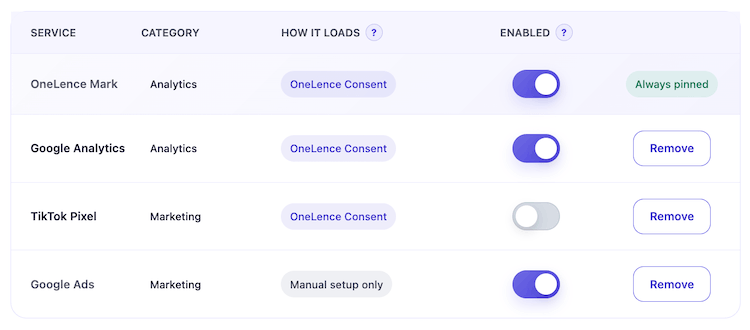
Each row includes:
- Service: the integration name
- Category: usually analytics or marketing
- How it loads:
- OneLence Consent means the plugin can manage the loading directly
- Manual setup only means the service is tracked here for documentation and policy support, but still needs extra setup outside the plugin
- Enabled: whether this service is active for the site
Famous Service Setups
When adding a supported service, the plugin asks for the key value needed to load it correctly.
Google Analytics
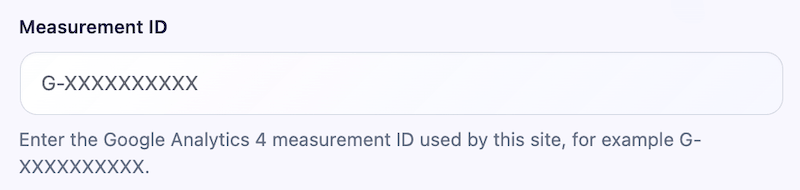 Enter the GA4 Measurement ID, for example
 G-XXXXXXXXXX.
Microsoft Clarity
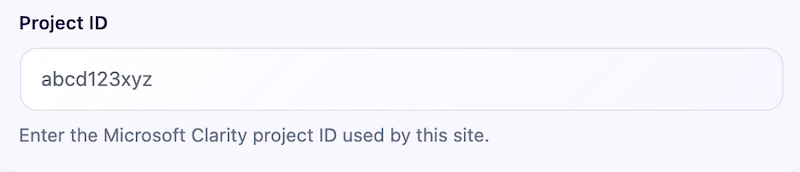 Enter the Project ID.
Hotjar
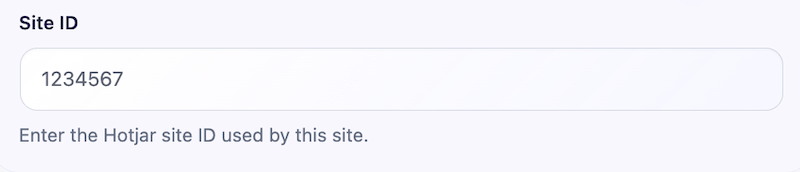 Enter the Site ID.
Meta Pixel
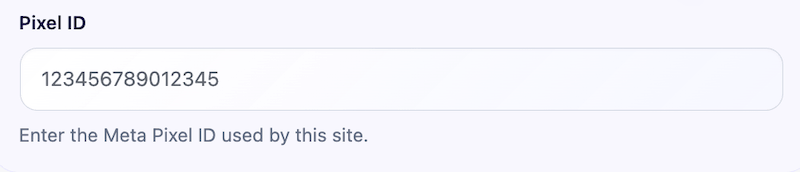 Enter the Pixel ID.
TikTok Pixel
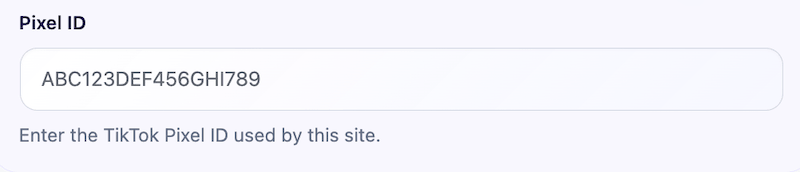 Enter the Pixel ID.
OneLence Mark
This is handled through the OneLence Setup tab using the site key and site ID.
Important note for all supported services:
- Do not load the same service twice.
- If the same service is already being injected through another plugin, your theme, GTM, or a manual header snippet, that duplicate copy is outside the plugin's direct control.
Custom Service Setup
If your service is not in the built-in list, use Custom service.
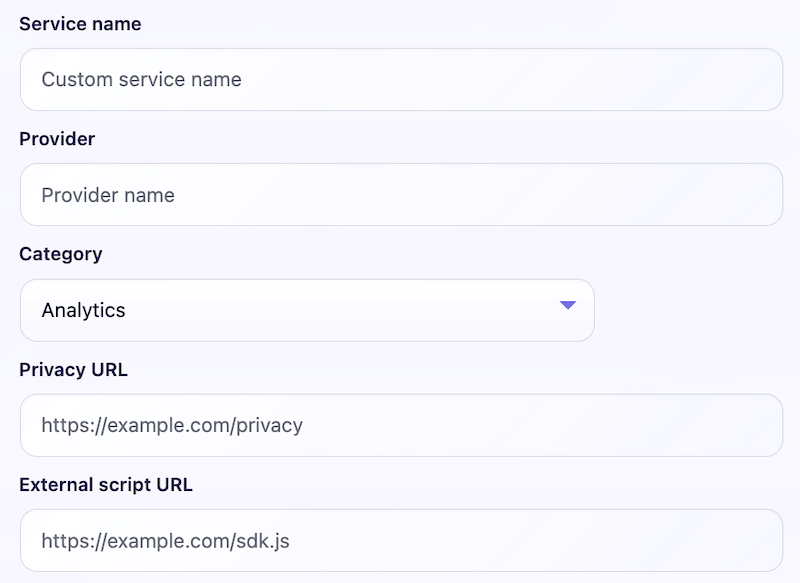
This lets you define:
- service name
- provider
- category
- privacy URL
- external script URL
External Script URL
If you add an external script URL, OneLence Consent can load that script only after the selected consent category has been granted.
This is useful when a service has a hosted SDK file and you want the plugin to delay loading until consent exists.
Initialization Script Snippet
For more advanced services, some SDKs also need an initialization snippet after the script file loads.
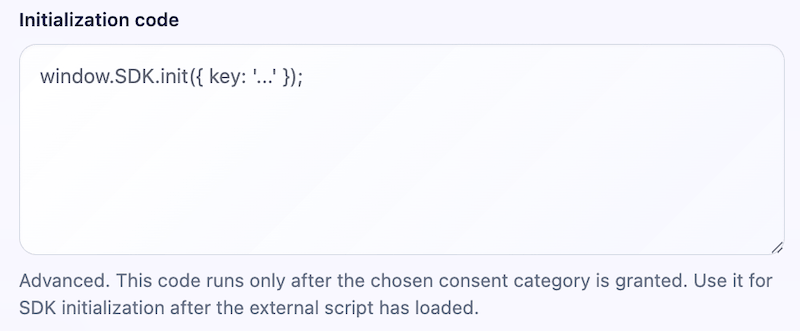
That is what the initialization code / script snippet field is for.
Auto-Blocking
The Script Auto-Blocking section is an extra safety layer.
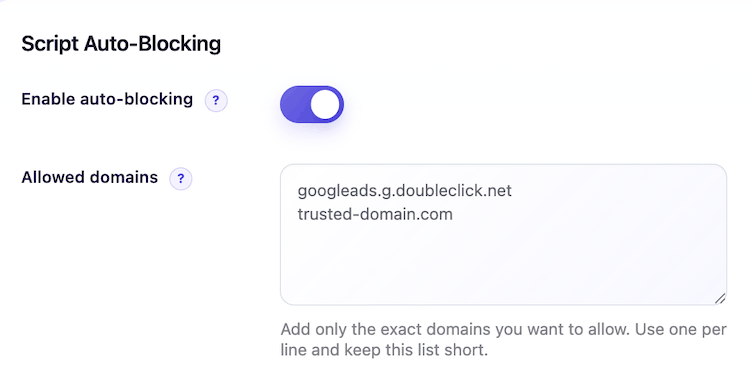
It helps stop supported analytics and marketing scripts from loading too early when they were added outside OneLence Consent.
Why this matters:
- Sometimes a site already has tracking scripts added in the theme, another plugin, GTM, or a header injection tool.
- Auto-blocking helps catch supported script sources and hold them until consent is given.
This is especially useful during migration, when a website is moving from manual tracking snippets into a more consent-aware setup.
Allowed Domains
The Allowed domains field lets you create exceptions.
Use this if you intentionally want a supported domain to stay untouched by auto-blocking.
For example:
- a supported script domain is being used in a way you do not want blocked
- you have a custom setup that must keep loading outside the plugin
Best practice:
- add only exact domains
- use one domain per line
- keep the list short
Current Limitations
- Not every third-party script can be automatically detected or managed.
- Google Ads is not yet a full no-code managed integration.
- Hardcoded scripts outside the plugin may still need cleanup or migration.
- Auto-blocking covers supported patterns, not every custom or unknown script source.