The Cookie Banner tab controls how the consent experience behaves, what it says, and how it looks.
Privacy Setup
The Privacy setup field lets you choose between two banner strategies:
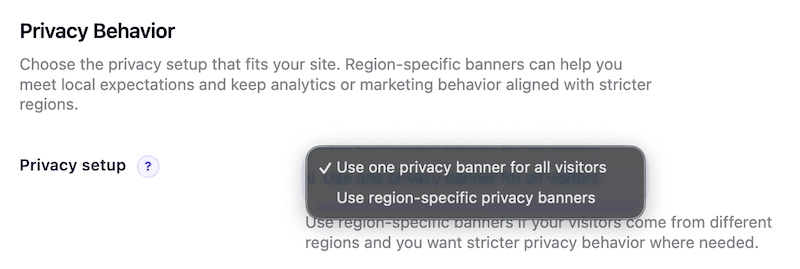
- Use one banner setup for everyone
- Use region-specific behavior
Global Banner
This means every visitor gets the same consent behavior, regardless of region.
This is the simpler option and works well when you want one consistent setup across the whole site.
Region-Specific Banner
This means the plugin can use a stricter privacy experience for visitors in supported regions, while showing a lighter experience elsewhere.
This is helpful for websites that serve traffic across multiple markets.
Strict vs Standard
When region-specific behavior is enabled, you can choose the regional mode:

- Strict
- Standard
Strict Mode
Strict mode is the more privacy-heavy setup.

In practice, it shows the stronger consent flow, including:
- Accept all
- Reject all
- Customize
This gives visitors a fuller opt-in choice before optional services load.
Standard Mode
Standard mode is a lighter version of the banner.
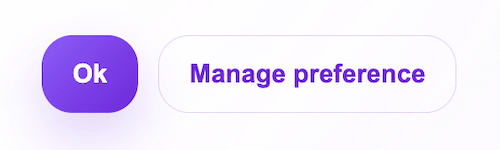
In practice, it still supports consent management, but the button behavior is simplified:
- Accept all
- Manage choices
The dedicated Reject all button is not shown in the same way it is in Strict mode.
Region Detection Source
The Region detection source setting controls how the plugin decides whether a visitor should get region-specific behavior.

Current options include:
- Automatic server or CDN detection
- Developer-provided detector hook
Automatic Server or CDN Detection
This uses country information from common hosting, proxy, or CDN headers.
At the moment, this is the main built-in detection method. If the visitor country matches one of the stricter supported countries, the plugin uses your selected regional mode. Otherwise, it uses Standard mode.
Current limitation:
- This depends on reliable country headers being available in the server request.
- If your hosting or CDN does not provide those headers, region detection may not work as expected.
- If detection is missing or unreliable, the plugin falls back to the safer fallback behavior.
Developer-Provided Detector Hook
This option is intended for advanced setups where a developer already has their own region detection logic and wants to pass the result into the plugin.
Current limitation:
- This is not a no-code option. It requires developer help.
Banner Content
The Banner Content section controls the text shown to visitors.
You can either:
- keep the built-in default wording
- replace it with your own customized title and description
This also includes the privacy policy URL, which lets visitors open your policy page directly from the banner.
Language Matching
The Language matching feature lets the consent interface match the visitor's browser language when a supported translation is available.
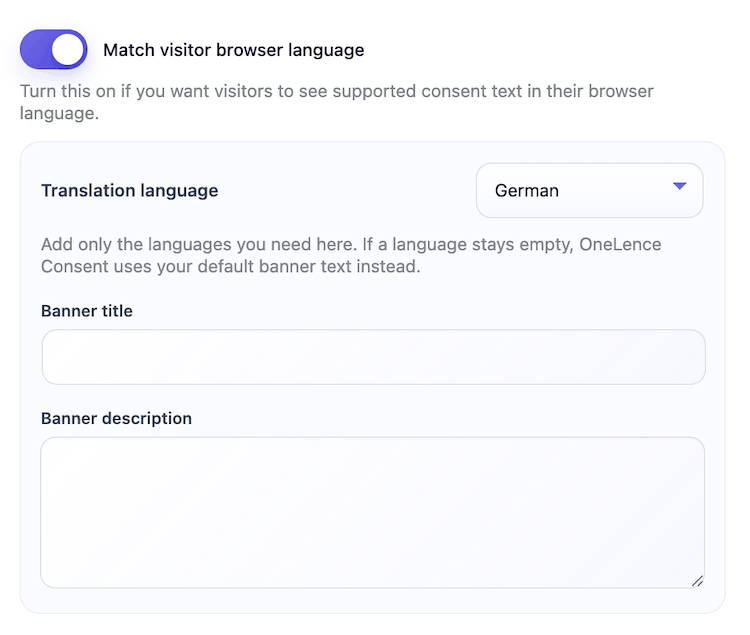
This is useful if your site has an international audience and you want the banner to feel more local without manually duplicating everything.
Important note:
- If you leave labels empty, the plugin can continue using its built-in wording and matching behavior.
- Language matching is currently a premium feature.
Banner Design and Button Customization
The design sections let you control the visual style of the banner.
Available customization areas include:
- layout
- placement
- width
- theme
- spacing
- banner corner radius
- button labels
- button radius
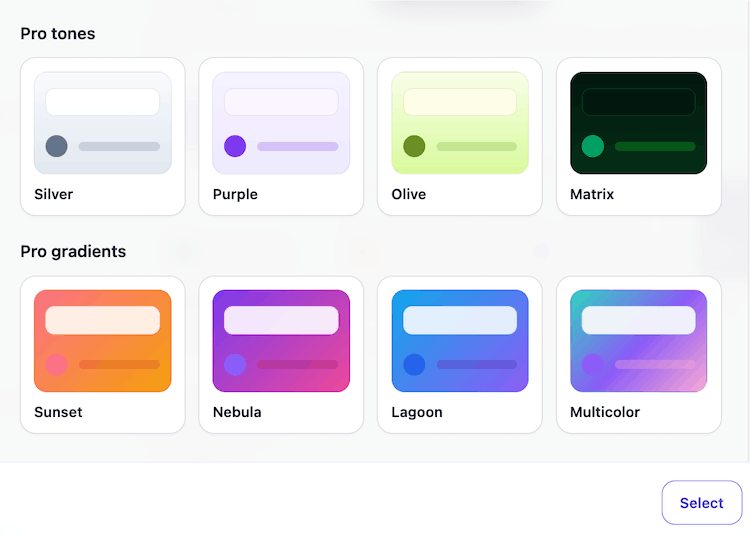
This makes it possible to match the banner more closely to the style of the website while keeping the consent flow consistent.
Watermark and Cookie Button Logo
In the Branding section:
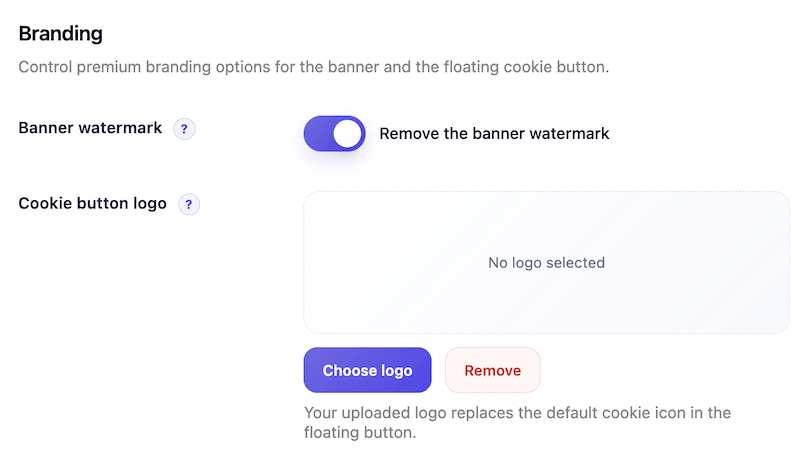
- you can remove the banner watermark
- you can use your own logo inside the floating cookie button