
The Cookie Page tab helps you generate a cookie policy draft page inside WordPress.
How to Generate the Draft
- Open the Cookie Page tab.
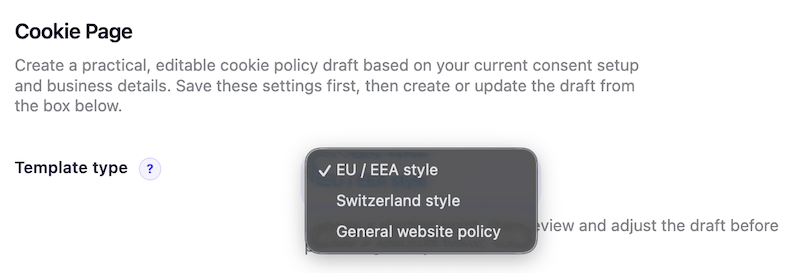
- Choose the template type that best fits your site.
- Fill in the business details: business or legal name, website name, contact email, and address.
- Click Save Cookie Page Settings.
- In the Cookie Policy Draft box below, click Create draft.
- After the draft is created, open it from WordPress Pages and review the content.
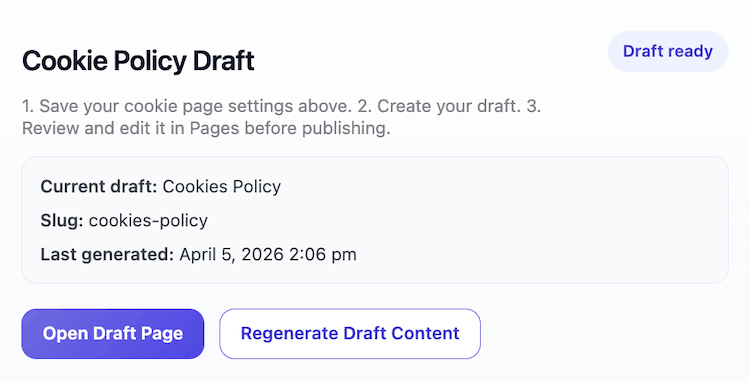
If a draft already exists, you can:
- open the current draft page
- regenerate the draft content later
Important Limitations
- This creates a draft starting point, not a final legal document.
- You should always review the page before publishing.
- If your setup changes, regenerate the draft and review it again.
Editable in WordPress
Once the draft has been created, it becomes a normal WordPress page draft.
That means you can always:
- edit the copy manually
- add sections
- remove sections
- change formatting
- publish it when you are ready