
The Profile page allows you to manage your personal account identity and access protection within OneLence.
Unlike workspace-level settings, changes made here apply only to your individual login and session security.
Reviewing Account Identity
Your registered email address acts as the primary identifier for your OneLence account.
On this page you can:
- View your current login email
- Confirm your active user status
- Check when your account was created or activated
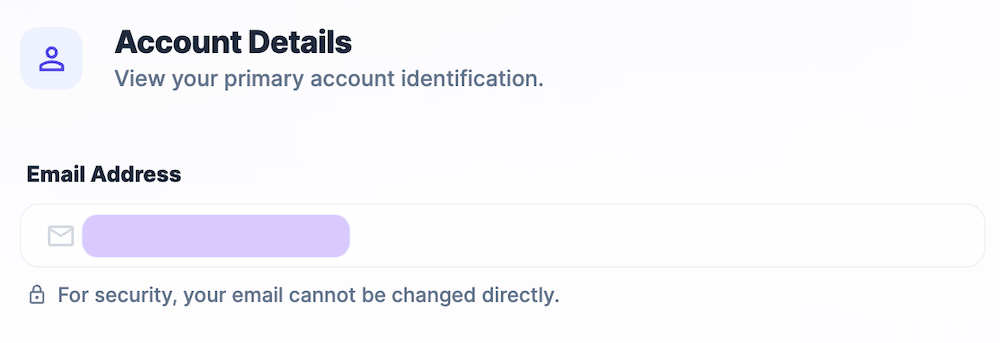
For security reasons, the email address cannot be directly edited from this interface.
If ownership or access needs to change, workspace administrators should manage role updates through the Team Member settings.
Resetting Your Password
If you need to update your login credentials, you can trigger a secure password reset.
To reset your password:
- Navigate to Settings → Profile.
- Locate the Reset Password section.
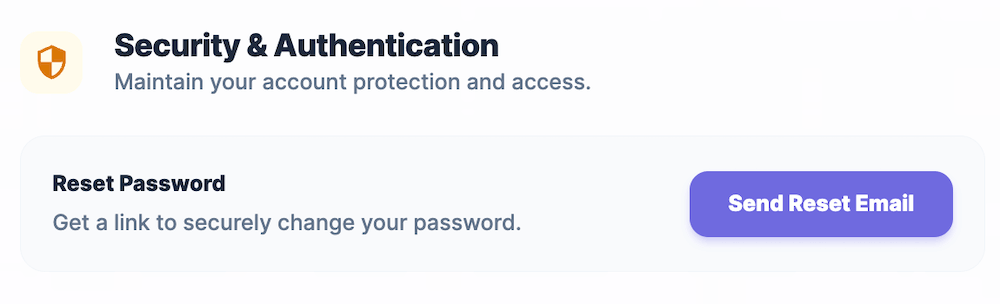
- Click Send Reset Email.
- Open the verification email and follow the secure reset instructions.
After completing the reset process, you can log in again using your new password.
Tip: Resetting your password does not affect tracking, insights, or workspace data. It only updates your personal authentication credentials.
Managing Active Sessions
The Log Out action allows you to terminate your current session on the device you are using.
This is useful when:
- working on shared computers
- switching between multiple accounts
- ensuring session security after sensitive configuration changes
To sign out:
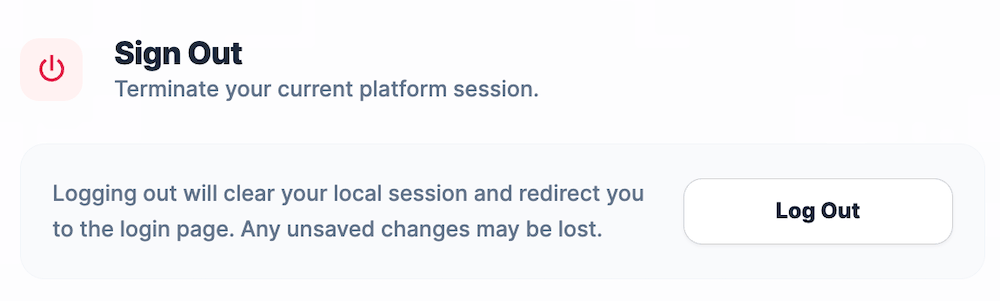
- Scroll to the Sign Out section.
- Click Log Out.
- You will be redirected to the login page.
Any unsaved changes in other settings areas may be lost after logging out.